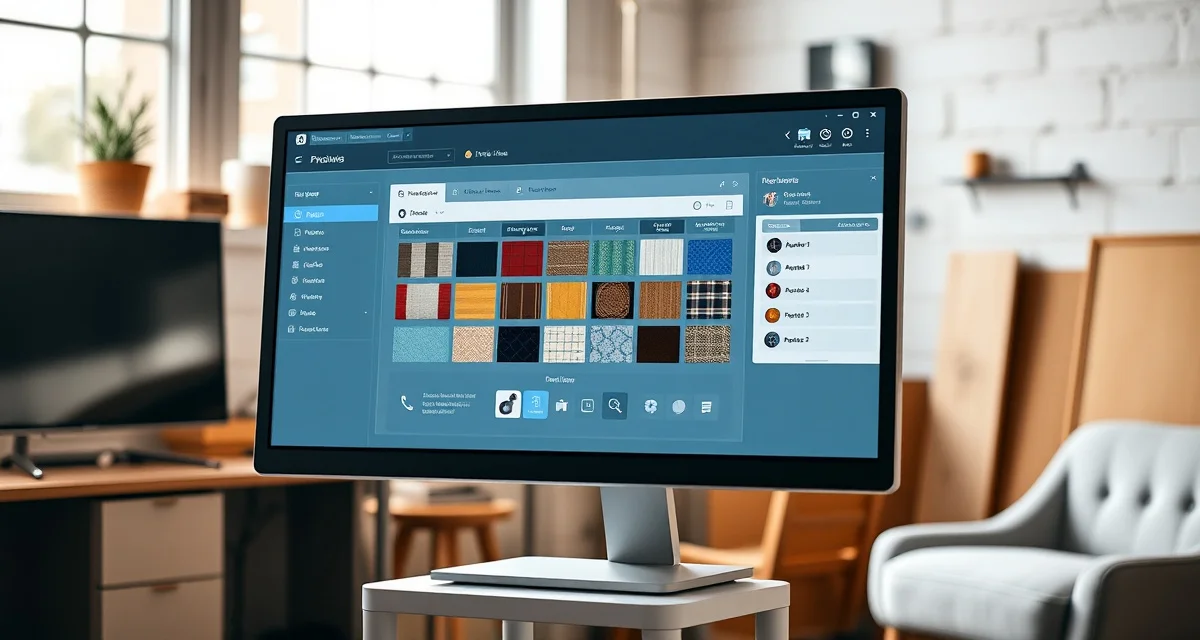
Jobber for Upholstery Shops: Honest Review of Gaps and Strengths
Jobber scores 9/10 for HVAC or cleaning. For upholstery, it scores about 4/10 because the missing features matter at the core of the trade. This is an honest review. Jobber is well-designed software that does what it was built for very well. It wasn't built for upholstery, and this review tells you exactly what that means in practice.
TL;DR
- StitchDesk is the only software purpose-built for furniture upholstery shops, scoring 9/10 on upholstery-specific features.
- Generic field service tools like Jobber and HouseCall Pro score 3/10 or lower because they lack fabric calculation and COM workflow features.
- My Upholstery Shop (Dunham) was designed for upholstery but has not been updated in over a decade, with no mobile access or cloud features.
- Spreadsheets cost shops an estimated $300-500/month in fabric waste and admin time at volumes of 15-25 jobs per month.
- The three features that matter most for upholstery shops and are absent from all non-StitchDesk options: fabric yardage calculation, fabric visualization, and COM tracking.
- Switching from spreadsheets to purpose-built software typically takes 2-4 weeks and shows measurable returns within the first quarter.
What Jobber Does Well (The Real Strengths)
Scheduling and dispatch: Jobber's scheduling interface is among the best in field service management. The calendar view is clean, the drag-and-drop job assignment works intuitively, and if you're dispatching multiple technicians or managing complex pickup schedules across a day, Jobber handles this better than most upholstery-specific tools.
Mobile app quality: Jobber's iOS and Android apps are polished and reliable. Field-facing features work smoothly: job notes, photo capture, signature collection, payment collection. For a team member doing pickups and deliveries, the mobile app is genuinely good.
Client communication automation: Automatic appointment reminders, job completion notifications, and review request follow-ups are configurable and well-designed. Clients appreciate the communication without you needing to remember to send it.
Invoicing and payment: Jobber's invoice presentation is professional. It integrates with Stripe for payment collection and syncs with QuickBooks for accounting. The invoicing flow is clean and the payment collection rate from digital invoices is high.
Customer portal: Jobber's client portal exists and shows job status, estimates, and invoices. Clients can approve quotes online. This is genuinely useful for the steps it covers.
Review generation: Jobber's automated review requests are effective. The timing and delivery of review requests is well-calibrated.
Support and documentation: Jobber has extensive documentation, a large user community, and responsive support. Getting help with the tool is straightforward.
Where Jobber Falls Short for Upholstery (The Gaps)
1. No fabric yardage calculator: This is the biggest gap. Every upholstery job requires calculating how much fabric to order. Jobber has no yardage calculation feature at any tier. You calculate fabric manually or in a spreadsheet and then enter the number manually into Jobber's line items. The disconnection between the calculation and the job record means you have dual data entry and no audit trail on the yardage math.
2. No pattern repeat handling: Patterned fabrics require additional yardage to align the design across all panels. This calculation involves the repeat dimensions and the number of panels. Jobber doesn't have this. Every pattern fabric job requires manual calculation outside the software.
3. No nap direction logic: Pile fabrics (velvet, chenille, microsuede) need consistent nap direction across all panels. A nap error is visible and expensive to fix. Jobber doesn't track or flag this.
4. No fabric visualization: Clients who see their fabric on their furniture before work begins commit faster and change their minds less often after work starts. Jobber has no visualization feature.
5. Generic client portal stages: Jobber's client portal shows job status in generic field service stages. For an upholstery client wanting to know "has my velvet arrived? has cutting started?" the portal shows "in progress" rather than the specific stages that answer those questions.
6. No COM fabric workflow: Designer clients who supply their own fabric need structured intake. Jobber has no COM workflow. Intake is manual and unstructured.
7. No fabric inventory: Tracking yardage on hand, allocation to active jobs, and reorder needs requires fabric inventory management. Jobber has no fabric inventory module.
The Operational Cost of These Gaps
The gaps above aren't cosmetic. They translate to specific recurring costs:
Fabric errors: Manual yardage calculation at 15-20% error rate on complex jobs. At 5 complex jobs per month at $100 average shortfall cost: $500/month.
Status call time: Jobber's generic portal doesn't eliminate upholstery-specific status questions. The daily call volume remains close to what it was without software: 30-45 minutes daily.
Quoting speed: Without a calculator, quoting time remains 20-30 minutes per job. At 20 jobs per month, that's 400-600 minutes of quoting labor monthly.
Who Should Use Jobber for Upholstery
If your primary operational need is scheduling and dispatch management, you're running multiple teams, coordinating complex pickup routes, and managing a calendar with more than one crew: Jobber's scheduling tools are the best in this price range.
If your business combines upholstery with other field service work where dispatch and technician management genuinely matter, Jobber handles the non-upholstery side well.
If your fabric work is primarily simple solid fabrics and the pattern repeat issue doesn't affect many jobs, Jobber's fabric gaps are less costly.
For any shop where fabric calculation accuracy, client portal quality for upholstery-specific stages, and quoting speed are the primary pain points, Jobber isn't the right fit. The StitchDesk vs Jobber comparison goes deeper on the specific feature differences.
Verdict
Jobber is well-built software for the trades it was designed for. Upholstery shops that use it report consistent friction around fabric math and often describe a workflow where they "use Jobber for everything except the fabric stuff, which I still do in a spreadsheet." That description captures exactly what using a generic field service tool for a fabric-dependent trade feels like.
For full category comparison, see upholstery shop software comparison.
Frequently Asked Questions
Is Jobber good for upholstery shops?
Jobber handles the scheduling, invoicing, and client communication parts of upholstery shop management well. For the fabric-specific work, yardage calculation, pattern repeat math, fabric inventory, and an upholstery-specific client portal: Jobber has no features. Upholstery shops using Jobber consistently run a parallel spreadsheet system for fabric math, which defeats much of the efficiency benefit of using software. If scheduling is your primary pain, Jobber solves it. If fabric accuracy and quoting speed are your primary pain, Jobber leaves those problems unsolved.
What does Jobber do well for service businesses?
Jobber excels at: scheduling and dispatch with a polished calendar interface, mobile job management for field-facing staff, automated client communication (appointment reminders, follow-ups, review requests), professional invoicing with online payment collection, and QuickBooks integration. These are the things any service business managing multiple appointments and technicians needs. For trades where the job complexity is primarily about scheduling and time tracking rather than materials calculation, Jobber covers the workflow thoroughly.
What is Jobber missing for upholstery shops?
The six material gaps for upholstery shops are: no fabric yardage calculator, no pattern repeat math, no nap direction tracking, no fabric visualization, no upholstery-specific client portal stages, and no COM fabric intake workflow. Together these cover the central technical and client-communication needs of upholstery work. A shop using Jobber for upholstery solves all of these outside the software, which means the software is handling scheduling and billing but not the operations that define the trade.
Is there a free trial available for upholstery shop software?
StitchDesk offers a free trial for new shops. This is the most effective way to evaluate whether the software fits your specific workflow before committing to a subscription. Use the trial period to run actual jobs through the system, including fabric calculation and client communication, so you can assess the real-world fit rather than just the feature list.
Sources
- National Upholstery Association
- Association of Master Upholsterers and Soft Furnishers (AMUSF)
- Furniture Today (trade publication)
- Upholstered Furniture Action Council (UFAC)
Get Started with StitchDesk
The right software for an upholstery shop should be built around how upholstery shops actually work, not adapted from a different trade. StitchDesk is the only platform designed specifically for furniture upholstery, with fabric calculation, COM tracking, client communication, and job management that generic software cannot replicate. Start your free trial today.