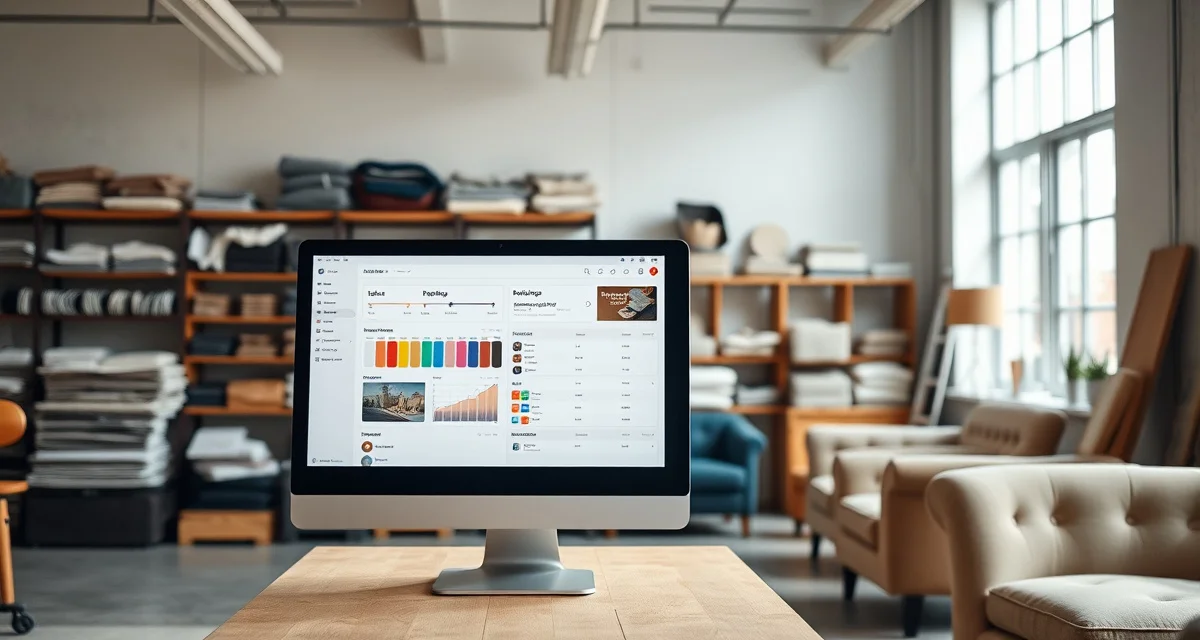
Job Management Software for Upholstery Shops: Tracking Every Status
Shops using multi-stage job tracking respond to customer inquiries in seconds versus minutes with a whiteboard. But the response speed isn't even the main benefit. The main benefit is that with a proper job tracking system, clients check their own status and don't call at all. That's the difference between reactive customer service and a system that runs itself.
This comparison covers job management software options for upholstery shops with a focus on how well each tracks the specific stages that matter for furniture work.
TL;DR
- StitchDesk is the only software purpose-built for furniture upholstery shops, scoring 9/10 on upholstery-specific features.
- Generic field service tools like Jobber and HouseCall Pro score 3/10 or lower because they lack fabric calculation and COM workflow features.
- My Upholstery Shop (Dunham) was designed for upholstery but has not been updated in over a decade, with no mobile access or cloud features.
- Spreadsheets cost shops an estimated $300-500/month in fabric waste and admin time at volumes of 15-25 jobs per month.
- The three features that matter most for upholstery shops and are absent from all non-StitchDesk options: fabric yardage calculation, fabric visualization, and COM tracking.
- Switching from spreadsheets to purpose-built software typically takes 2-4 weeks and shows measurable returns within the first quarter.
What "Job Tracking" Means for Upholstery
A job tracking system for upholstery needs to follow a piece of furniture through these stages:
- Intake, piece received, dimensions noted, photos taken
- Quote sent / approved, estimate issued and client confirmed
- Fabric ordered, fabric on order from supplier
- Fabric received, fabric arrived, yardage verified
- In production / cutting, fabric being cut
- Sewing / construction, piece being assembled
- Quality check, final inspection
- Ready for pickup, client notified
- Delivered/Picked up, job closed
Most generic field service tools use two or three stages: "scheduled," "in progress," "complete." For an upholstery shop with 15-30 active jobs at different stages, this is not enough information. You can't tell from "in progress" whether a job is waiting on fabric or halfway through sewing.
Software Options Compared
StitchDesk
StitchDesk tracks all nine upholstery-specific stages described above. You can customize stage names to match your exact workflow. Each stage transition can trigger a client notification and portal update.
The job pipeline view shows all active jobs sorted by stage. You see at a glance: how many jobs are waiting on fabric, how many are in cutting, how many are ready for pickup. This view is the operational center of a well-run upholstery shop.
Photos attach to specific stages, creating a visual timeline: intake photos, fabric confirmation photo, work-in-progress shots, completion photos. This serves both operational documentation and client transparency.
For clients, the portal shows their specific job through the same stage language. "Your fabric arrived" and "cutting has started" are far more informative than "your job is in progress."
Job tracking score for upholstery: 9/10
Jobber
Jobber tracks jobs through stages designed for field service: scheduled, in progress, complete. With some configuration, you can add custom statuses, but the platform wasn't built for multi-stage furniture work progression.
The client portal shows job status in Jobber's generic terms. Clients can see estimates and invoices. They can't see specific upholstery job stages with photos.
The mobile app is excellent for updating a job from the field, which is a genuine strength for pickup and delivery workflows.
Job tracking score for upholstery: 4/10 (good for scheduling and completion, limited for production stages)
HouseCall Pro
Similar to Jobber. Strong scheduling, polished mobile, generic job stages. Custom statuses require workarounds. Client portal doesn't show upholstery-specific progression.
The difference from Jobber is mainly in the UX: HouseCall Pro's interface is arguably cleaner. The job tracking limitations for upholstery are the same.
Job tracking score for upholstery: 4/10
Dunham (My Upholstery Shop)
Dunham has a basic job status system that was designed for upholstery specifically. You can track jobs through custom stages. The limitation is that everything is desktop-only, no mobile updates from the shop floor, no client portal showing stages, and no photo timeline.
For a shop that primarily tracks jobs at a desktop, Dunham's job tracking is functional but 15 years behind in user experience.
Job tracking score for upholstery: 4/10 (designed for upholstery, limited by age and no client visibility)
Spreadsheets
A well-built spreadsheet can track job stages with a status column and conditional formatting. The limitations are: no client-facing portal, no automatic notifications, and no photo attachment to stages. Updating is manual for every job on every status change. At 20+ active jobs, spreadsheet job tracking becomes a maintenance burden.
Job tracking score for upholstery: 2/10
Whiteboard / Paper
The physical whiteboard with job cards is still used in many upholstery shops. It has real operational value for small volume: visual, tangible, and requires no technology. The limitations: not accessible remotely, no client visibility, no notification automation, and no photo documentation.
Job tracking score for upholstery: 1/10 (works under 10 jobs, fails to scale)
The Status Call Problem
The reason multi-stage job tracking matters so much for upholstery isn't just internal operations. It's client communication.
Residential upholstery clients call when they haven't heard anything. They know their sofa is "somewhere" in your shop but they don't know if the fabric arrived, if you've started on it, or when it'll be done. So they call. At 6-10 calls per day, this is 24-40 minutes of unproductive answering time.
A job tracking system that clients can access directly eliminates most of these calls. But only if the stages are specific enough to answer their actual questions. "In progress" doesn't answer "has my fabric arrived?" A portal that shows "fabric received: March 14, cutting started: March 16" answers it completely.
This is why StitchDesk's upholstery-specific stages matter more than the stage count alone. Three generic stages that don't answer client questions still generate the same call volume as no portal at all.
For the full software picture, see the upholstery shop software comparison. For StitchDesk's full job tracking and portal capabilities, the features overview has the details.
Frequently Asked Questions
Which upholstery software tracks job status best?
StitchDesk tracks upholstery-specific job stages, from intake through fabric ordering, production, and delivery, and makes those stages visible to clients through a portal. This combination eliminates most status calls while giving your team a clear operational view of every active job. Generic field service tools like Jobber and HouseCall Pro have job tracking, but use generic stages that don't reflect upholstery workflow or give clients the specific information they're asking about.
Can I show clients their job status with upholstery software?
With StitchDesk, yes. Every job has a client-accessible portal page that shows the current stage, photos from each stage, fabric confirmation status, and estimated completion. This level of transparency is specific to upholstery: clients can see "fabric ordered" vs "fabric received" and see photos of their specific piece in production. Jobber and HouseCall Pro have client portals that show general job status, but not upholstery-specific stages or the photo timelines that residential clients want.
What is the best job management software for upholstery?
For upholstery-specific job management, StitchDesk is the strongest option. It tracks the full nine-stage upholstery workflow, generates automatic client notifications at key transitions, includes a photo timeline for each stage, and provides a client portal that answers the specific questions upholstery clients ask. For job management combined with strong multi-crew dispatch and routing, Jobber or HouseCall Pro are better options, but they sacrifice the upholstery-specific tracking features that define StitchDesk's advantage.
How do I choose between upholstery shop software options?
Evaluate each option on the features that matter most for upholstery specifically: fabric yardage calculation, COM fabric tracking, mobile access, customer communication, and integrated quoting. Rate each option against your actual needs rather than feature lists. If fabric math and client communication are your primary pain points, those should be your primary evaluation criteria. Ask for a demo or trial before committing to any subscription.
What does upholstery shop software cost per month?
Purpose-built upholstery software runs $149-249/month. Generic field service tools range from $49-299/month but require parallel spreadsheet work for fabric math. Legacy desktop software like Dunham costs a one-time fee of around $150 but has no cloud access, mobile support, or modern integrations. Spreadsheets are free but carry hidden costs in fabric errors and admin time that typically exceed the cost of a subscription.
Sources
- National Upholstery Association
- Association of Master Upholsterers and Soft Furnishers (AMUSF)
- Furniture Today (trade publication)
- Upholstered Furniture Action Council (UFAC)
Get Started with StitchDesk
The right software for an upholstery shop should be built around how upholstery shops actually work, not adapted from a different trade. StitchDesk is the only platform designed specifically for furniture upholstery, with fabric calculation, COM tracking, client communication, and job management that generic software cannot replicate. Start your free trial today.