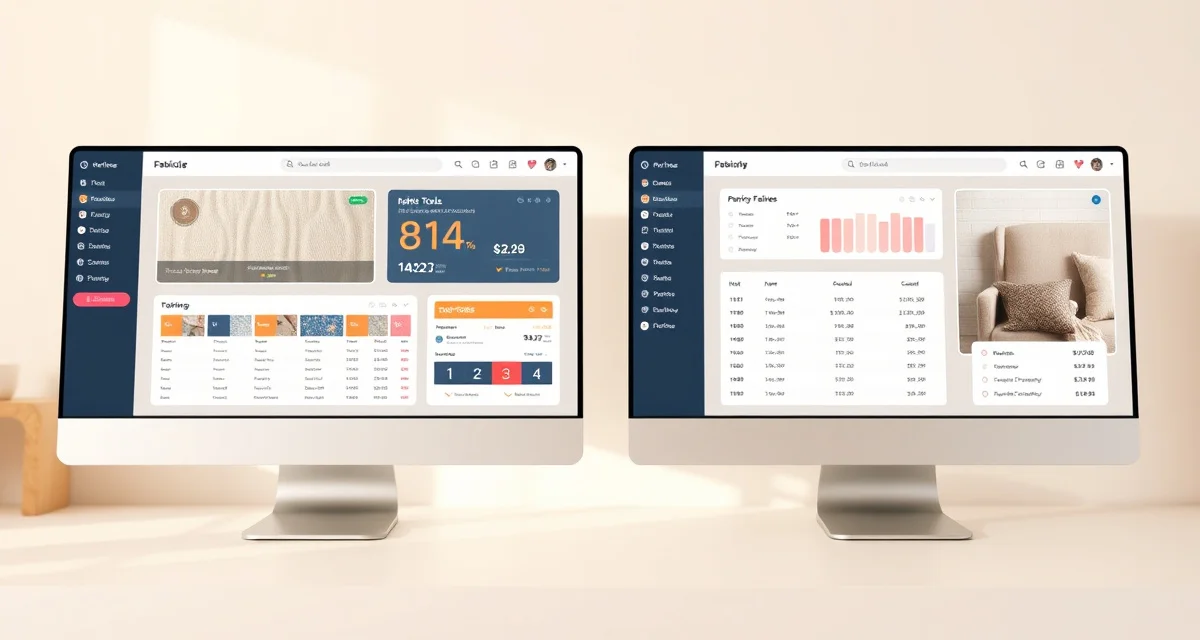
StitchDesk vs HouseCall Pro for Upholstery: Feature Gap Analysis
HouseCall Pro has some of the best marketing in the field service management space. It's professionally polished, well-supported, and genuinely useful for trades like HVAC, plumbing, and appliance repair. But HouseCall Pro's top tier at $199/month has no fabric tools at all. StitchDesk at $149/month includes AI yardage calculation, fabric visualization, and an upholstery-specific customer portal. For upholstery shops, paying more for less specific functionality doesn't make sense.
This comparison walks through what HouseCall Pro does well and the 8 upholstery-specific gaps that matter.
TL;DR
- StitchDesk is the only upholstery shop software purpose-built for the furniture upholstery trade in 2025.
- The AI fabric yardage calculator accounts for pattern repeat by zone, nap direction, and fabric width, eliminating the math errors that cause reorders.
- Fabric visualization lets clients see their chosen fabric on their furniture before committing, reducing approval delays.
- The customer portal gives clients job status updates and photo timelines, cutting inbound status calls significantly.
- StitchDesk pricing starts at $149/month for the Standard plan, with a Multi-Location plan at $249/month.
- The COM fabric workflow tracks designer-supplied materials from intake through installation, preventing allocation errors.
What HouseCall Pro Does Well
HouseCall Pro excels at the things field service operations need. Their feature set is mature and reflects years of development for trades that run technicians and manage appointments.
Customer communication: Automated texts and emails for appointment reminders, job completion follow-ups, and review requests are well-designed and configurable.
Scheduling: The drag-and-drop calendar interface is clean. Dispatching technicians to jobs is intuitive, and the map view is genuinely useful for route planning.
Mobile app: HouseCall Pro's mobile app is excellent. Photos, job notes, invoicing, and payment collection from the field all work smoothly.
Online booking: HouseCall Pro offers client-facing booking pages where customers can request appointments without calling. Useful for shops that want to reduce phone volume for routine consultations.
Payment processing: Built-in card processing, financing options for customers, and clean invoice presentation.
Review generation: HouseCall Pro's automated review request system is one of the better ones in this category. It sends review requests at the right moment and makes it easy for clients to respond.
These are real strengths. For a service business without fabric-specific needs, HouseCall Pro is a strong choice.
The 8 Upholstery Feature Gaps
1. No fabric yardage calculator: HouseCall Pro has no capability to calculate how much fabric a specific piece of furniture requires. You do this manually outside the platform every single job.
2. No pattern repeat math: Patterned fabrics require calculating additional yardage based on repeat size. HouseCall Pro has no understanding of this. Every pattern job is manual calculation outside the tool.
3. No nap direction tracking: Pile fabrics need consistent nap direction across all panels. A misstep here produces a visible defect. HouseCall Pro doesn't track or flag this at any stage.
4. No fabric visualization: Clients who see their chosen fabric rendered on their actual furniture before work starts commit faster and request fewer changes after work begins. HouseCall Pro has no visualization feature.
5. No upholstery-specific quoting: HouseCall Pro's quote builder is designed for service line items priced by the hour or by flat-rate service. It doesn't calculate material quantities from furniture dimensions, which is how upholstery quoting works.
6. No fabric inventory module: Knowing how much of each fabric you have, what's allocated to active jobs, and when to reorder is essential shop management. HouseCall Pro has no fabric or materials inventory system.
7. No COM fabric intake workflow: Designer clients who supply their own fabric (customer's own material, or COM) need a specific intake and verification process. HouseCall Pro has no COM-specific workflow.
8. No job photo timeline for client review: An upholstery client's most important touchpoints are seeing their piece before, during, and after work. A photo timeline built into the client portal, specifically sequenced for upholstery workflow stages, doesn't exist in HouseCall Pro.
How StitchDesk Covers These Gaps
StitchDesk was built with these exact gaps in mind. The product decisions were made by people who understood upholstery shop operations, not adapted from a generic field service template.
The AI fabric calculator handles all six variables that determine accurate yardage: furniture dimensions, fabric width, pattern repeat, nap direction, construction complexity, and waste factor. Shops running this calculation manually average 15-20% error rates on complex jobs. AI drops that below 2%.
Fabric visualization lets clients see rendered previews on their furniture before committing. This isn't just a nice feature. It directly reduces change-of-mind callbacks, which typically cost $50-150 in lost time and rescheduled work per occurrence.
The customer portal is built around the upholstery job stages specifically, not generic service job stages. Photos, fabric selection status, foam status, pickup and delivery are all visible to the client without them needing to call.
COM fabric intake tracks designer-supplied materials through a specific workflow that confirms yardage, condition, and any custom requirements before work begins.
Pricing Reality
HouseCall Pro's tiers run from $65/month to $199/month. Their most feature-rich plan at $199/month has zero fabric calculation or visualization capability. StitchDesk at $149/month includes all of that.
At the same or lower price, you get tools designed for your specific trade versus tools designed for HVAC and plumbing. The pricing comparison alone doesn't tell the full story; StitchDesk pricing breaks down the exact feature-to-tier allocation.
Side-by-Side Feature Table
| Feature | HouseCall Pro | StitchDesk |
|---|---|---|
| Price range | $65-199/mo | $149-249/mo |
| Fabric yardage calculator | No | AI-powered |
| Pattern repeat handling | No | Yes |
| Fabric visualization | No | Yes |
| COM fabric workflow | No | Yes |
| Client photo timeline | No | Upholstery-specific |
| Scheduling / dispatch | Excellent | Standard |
| Mobile app quality | Excellent | Full mobile |
| Review automation | Strong | Yes |
| Built for upholstery | No | Yes |
For comparison with the full set of options available, the StitchDesk vs Jobber comparison covers another commonly evaluated tool.
Frequently Asked Questions
Is HouseCall Pro good for upholstery shops?
HouseCall Pro handles scheduling, invoicing, and client communication well. For upholstery shops, the critical missing piece is fabric-specific functionality. There's no yardage calculator, no pattern repeat handling, no nap direction tracking, no fabric visualization, and no COM fabric workflow. An upholstery shop using HouseCall Pro needs to run all of those functions manually or with separate spreadsheets, which negates many of the efficiency benefits of using management software in the first place.
StitchDesk vs HouseCall Pro which is better for upholstery?
For upholstery shops, StitchDesk. It was designed for the trade, and the feature set reflects that. HouseCall Pro is better than StitchDesk for businesses that need advanced dispatch, technician tracking, and multi-crew scheduling, which are the things it was actually designed for. If your business pain is fabric math, quoting speed, and reducing client status calls about their furniture, StitchDesk solves those directly. HouseCall Pro doesn't address them.
What does HouseCall Pro lack for upholstery?
The full list: fabric yardage calculation, pattern repeat math, nap direction tracking, fabric visualization for client approval, COM fabric intake workflow, upholstery-specific job photo timeline, and materials inventory management. These eight gaps cover the core technical and client-communication needs specific to upholstery work. A shop using HouseCall Pro for upholstery is using generic infrastructure and filling in upholstery-specific functions manually, which is why many of them eventually switch to purpose-built tools.
How long does StitchDesk onboarding take?
Most shops complete initial setup in 1-3 days for configuration and data entry. Full adoption, meaning consistent use of all quoting, tracking, and communication features, typically takes 2-4 weeks. StitchDesk provides onboarding support that accelerates the setup process and answers questions as they arise. Shops migrating from spreadsheets find it easiest to enter active jobs first and historical data later.
What integrations does StitchDesk offer?
StitchDesk integrates with QuickBooks for invoice export and financial reporting, Stripe for payment processing, and common calendar tools for scheduling. These integrations eliminate the double-entry of financial and scheduling data between your shop management system and other tools. The integration list is updated periodically; contact StitchDesk directly to confirm the current integration set.
Sources
- National Upholstery Association
- Association of Master Upholsterers and Soft Furnishers (AMUSF)
- Furniture Today (trade publication)
- Upholstered Furniture Action Council (UFAC)
Get Started with StitchDesk
The features described in this guide are available in StitchDesk's standard plan starting at $149/month, with no add-ons required for the core upholstery workflow. Try StitchDesk free to evaluate whether it fits your shop's specific needs before committing to a subscription. Most shops complete the evaluation within two weeks of active use.